Project Highlight
Automating Training Course Administration Across Six Platforms
This training organization delivers multi-day professional courses to corporate clients nationwide. Their administrative team coordinates over 80 courses per year, each requiring scheduling, customer communication, instructor assignment, team coordination, and enrollment monitoring.
The Problem
Every new course required the same manual workflow:
Look up customer contact information in their CRM (Monday.com)
Manually type that information into an email to request course details
Manually create a calendar hold for the tentative dates
Re-enter the same information into a Trello card for team coordination
Copy everything again into a master spreadsheet for record-keeping
Update the calendar, Trello card, and spreadsheet again when instructors were assigned
Periodically check a separate LMS platform to see if enrollment was outpacing instructor staffing
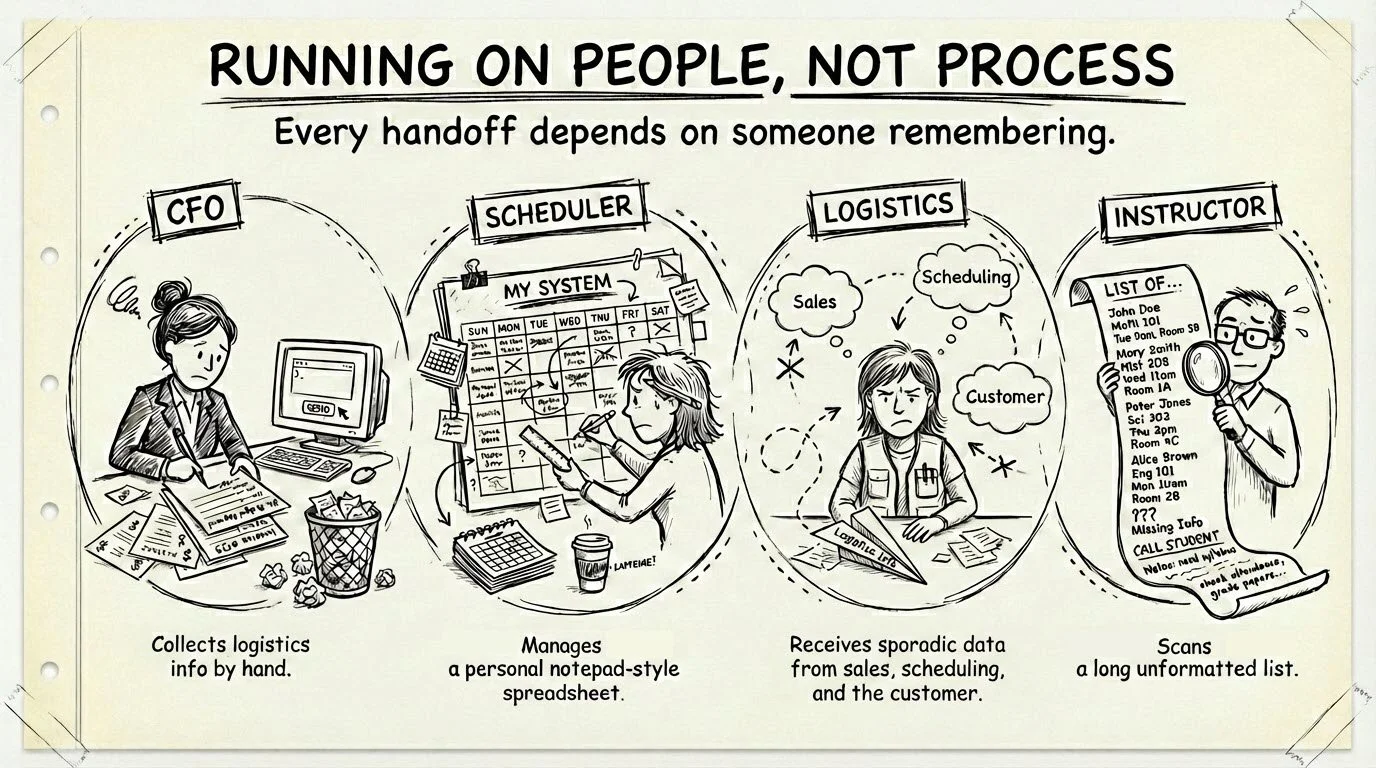
The same data was being entered into six different platforms -- Monday.com, Google Forms, Google Calendar, Trello, Google Sheets, and LearnWorlds -- with no connection between them. Moreover, at least 3 different spreadsheets existed where all courses were listed, each owned by a separate person attempting to keep track of the related information that mattered to them.
When information lives in separate places with no automatic reconciliation, gaps are guaranteed to form. They won't announce themselves.
The business looks like it's running fine,
until it isn't.
The Real Cost
Hours of repetitive data entry per course, multiplied across dozens of courses per year
Inconsistent records -- information in one system didn't always match another
Missed steps -- with no automated tracking, it was easy to forget whether a Trello card had been created or a calendar had been updated
Staffing surprises -- enrollment could outpace instructor availability without anyone noticing until it was too late
Onboarding difficulty -- new staff had to learn a complex, undocumented multi-platform process
The Solution
A custom automation system built on Google Apps Script that connects all six platforms and eliminates most of the repetitive work while keeping humans in control of every decision. This platform was intentionally selected because it’s lightweight, will be indefinitely free to operate at the client’s scale, and provides almost limitless options for expansion as the company continues to grow.
The system was designed to mirror how course planning actually happens in real life, not to force the team into a new process.
Phase 1: Initial Setup. When a customer confirms that they are ready to book a course, the custom system now:
Allows admin staff to search the CRM for customer information with one click
Then generates a Google Form for collecting additional logistics info from the primary contact, pre-filled with details from the CRM record
Then creates a calendar hold for the course dates the customer has indicated so the sales team can keep an eye on how quickly the schedule is filling
And finally, records everything in a tracking sheet that links Phase 1 to the next step so admin staff can monitor outstanding requests
Phase 2: Course Finalization. After the customer submits the form, the custom system now:
Parses the completed form response automatically
Then updates the calendar hold with full course details
Then creates a detailed Trello card from a standardized template for the project management team
Then saves a permanent course record in the master spreadsheet
And finally, marks each step as complete to prevent duplicate work
Phase 3: Instructor Scheduling. The master spreadsheet was designed to centralize all the information that the various team members needed to see, eliminating their need to maintain their own copies. One single source of truth on the data now exists. Custom tools were built into the spreadsheet to allow:
Scheduling staff to select from a master list of instructor staff from a simple drop down menu for each course
When they’ve finished their selections, they use a custom tools menu to trigger automation which updates the associated calendar event and Trello card with instructor names
Ongoing automation: After the three phases are complete, the system continues working in the background:
Daily: Pulls enrollment counts from LearnWorlds for every upcoming course, calculates whether instructor staffing meets their 10:1 student-to-instructor ratio
Weekly: Sends an email digest to staff listing any courses that need additional instructors
One staff member used to pull that information weekly and update it in one spreadsheet, while a separate staff member then compared that spreadsheet to their own to look for courses where student enrollment had surpassed the original number of scheduled instructors such that their ideal student-to-instructor ratio was off. They then had to add instructor(s) and update Trello manually. Now these entire processes are automated and the scheduling staff is instead notified when they have tasks to complete, rather than having to search for them.
Not everything should be automated. There is skill in knowing which transitions are risky and which decisions require human judgment. This is what separates a strategic solution from a pile of scripts.
This is the core of our ethos.